WooCommerce
Selling custom or made-to-order products? Add file uploads to your WooCommerce product page
If customers need to send you artwork for a print, a photo for an engraving, or specs for a made-to-order product, email is a bad checkout process. Drag and Drop Multiple File Upload for WooCommerce puts an upload field directly on the product page – no back-and-forth required.
What it adds to your store
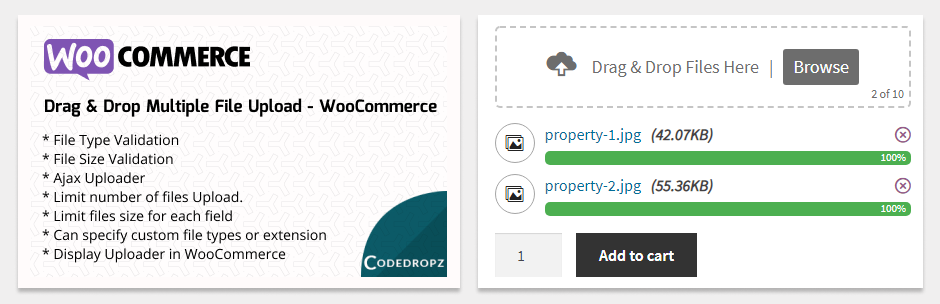
The plugin turns WooCommerce’s plain file input into a real drag-and-drop uploader, placed right where customers make their purchase decision.
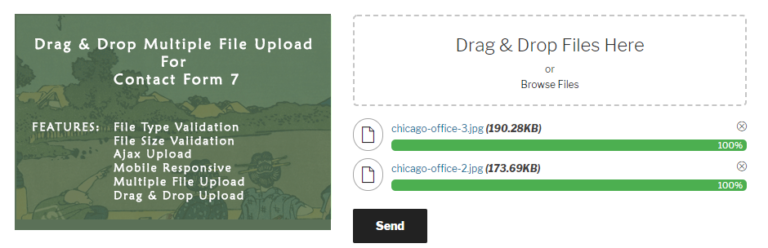
- Drag & drop or browse – multiple files per product
- File type and file size validation, set globally or per product
- Show the uploader on the Add to Cart form, Variations form, or next to the Add to Cart button
- Customers can delete a file and re-upload before adding to cart
- Uploaded files stay attached to the order for admin review
- Mobile responsive, works in any browser
Everything uploads over Ajax, so there’s no page reload between selecting a file and completing checkout.
Where growing stores need more
The free version covers straightforward cases well. Stores that customize pricing by file volume, handle large print files, or need uploads visible only on certain products usually run into the same handful of requests:
- Charging extra fees based on file count or page count (e.g. multi-page PDFs)
- Sending files somewhere other than the local server
- Showing the uploader only for specific categories, tags, or attributes
- Handling large design files without timing out
The best product-page upload field is the one that never sends a customer back to their inbox.
What Pro unlocks
- Custom fees – charge based on number of files (e.g. 2+ files adds $20) or PDF page count
- Remote storage – Google Drive, Amazon S3, Dropbox, or FTP
- Uploader visibility rules by category, product, tag, or attribute
- Chunked uploads for large print-ready files
- Custom upload folders by order number, customer ID, or date
- ZIP downloads of all files tied to an order
- Attach files to order confirmation emails automatically
- Choose whether the uploader shows on the product page or at checkout
Good fits for this plugin
- Custom apparel, engraving, or personalized gifts
- Print shops needing artwork or proof files with an order
- Photography or design services collecting reference images
- Any product where “please email us your file” is currently the process
Start with the free version to see how it fits your product pages. If your store needs per-file pricing, remote storage, or category-based visibility, Pro is built for exactly that.